
How to Make a Gangnam Style AI Video From a Photo
Learn how to choose a photo, use the prepared Gangnam Style AI dance reference, and preview and download your finished video.
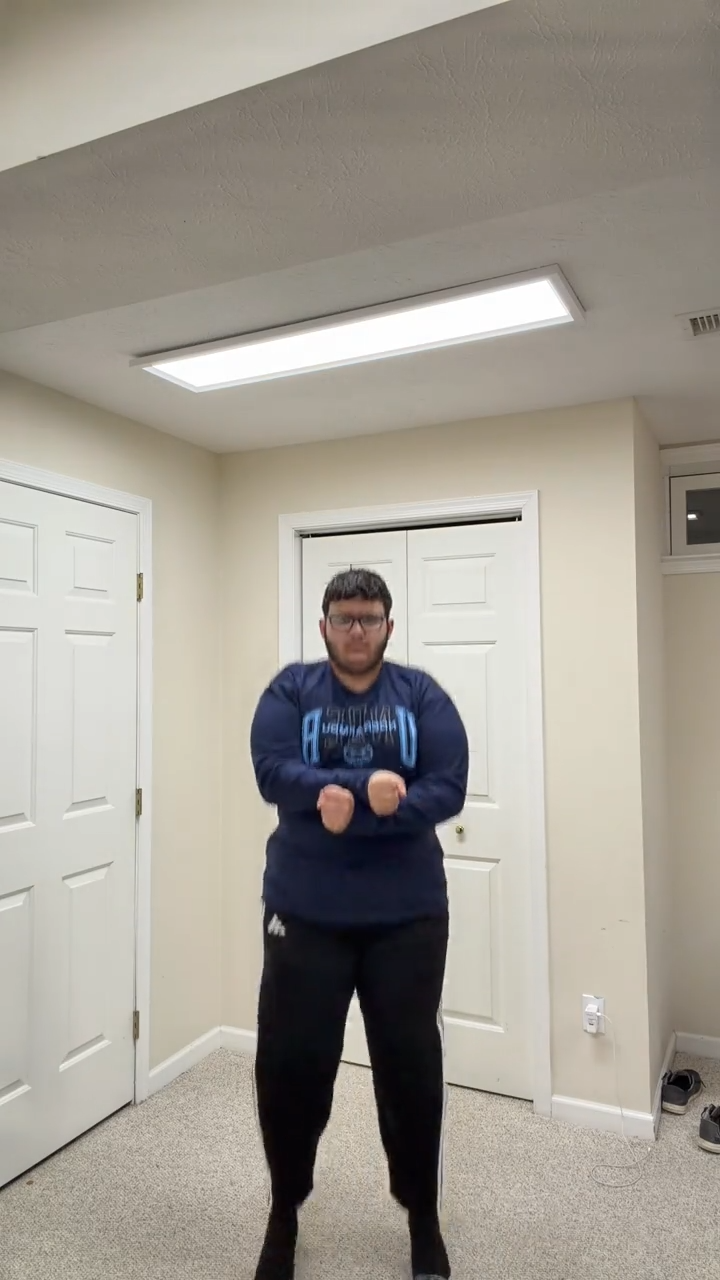
Step 1: Choose one clear photo
Use a photo with a visible face, even lighting, and little blur. Include the full body and shoes to provide an outfit reference. Avoid group photos and heavy filters. See the photo guide.
Step 2: Preview the solo reference
The generator includes a one-person reference with the dance already prepared. You do not need to upload a clip or write a prompt. The current version is 15 seconds, 720p, and 9:16.
Step 3: Generate
Sign in when ready and use a video from your pack. Keep the page open or return to My videos later. Generation time depends on demand; submitting again does not speed up the first request.
Step 4: Review and download
Watch the complete result before sharing. Check the face, hands, clothing, and movement, then download the MP4. The AI result may differ from the original photo in small details.
If a result is still processing
Check My videos before starting another generation. A queued request is not a completed clip, and refreshing the page does not itself shorten the render. Once it is ready, watch the whole video before downloading. If the source photo is dark or the face is small, choose a clearer original for a future attempt. See the publishing guide for caption and framing tips.
Related guides
1, 2, or 3 Photos: Choose Your Gangnam Style AI Template · Best Photos for a Gangnam Style AI Video
Frequently asked questions
How many photos do I need for a Gangnam Style AI video?
Use one photo for the available solo video. Two-person and three-person generation is currently paused.
Do I need to record a dance video?
No. Choose the photos and person order; the generator applies them to the matching prepared dance scene.
Keep exploring
Related Gangnam Style AI guides
1, 2, or 3 Photos: Gangnam Style AI Formats Explained
Understand one-person, two-person, and three-person Gangnam Style AI formats, photo choices, and current generation availability.
Read articlePhoto guideBest Photos for a Gangnam Style AI Video
Choose better photos for Gangnam Style AI videos with practical tips for facial detail, clothing, lighting, and framing.
Read articlePublishing guideGangnam Style AI Video for TikTok, Reels, and Shorts
Prepare a 15-second solo Gangnam Style AI video for TikTok, Instagram Reels, and YouTube Shorts.
Read articlePut the guide into practice
Make your Gangnam Style AI video.
Create a Gangnam Style AI video from your photo. Make the viral dance online, preview your result, and download a video for TikTok, Reels, and Shorts.