
Best Photos for a Gangnam Style AI Video
Choose better photos for Gangnam Style AI videos with practical tips for facial detail, clothing, lighting, and framing.
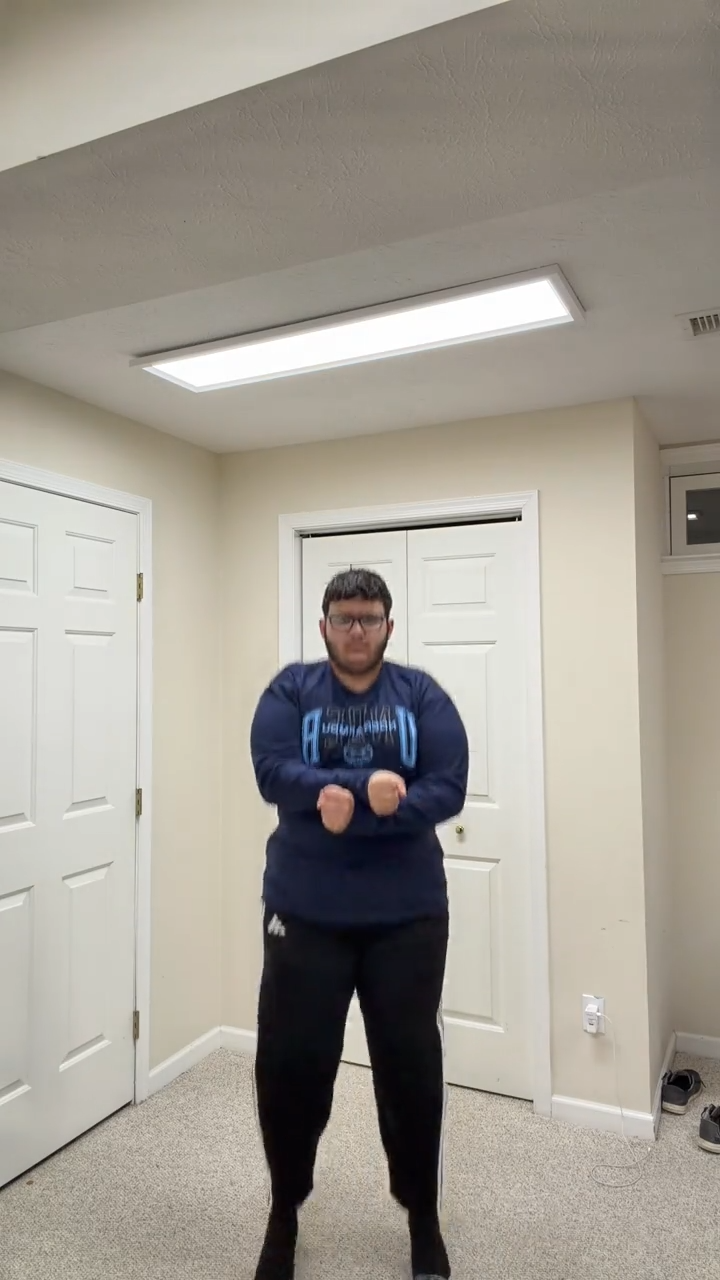
A clear, natural photo is a better starting point than one with heavy filters, deep shadows, or motion blur.
Keep the face recognizable
Make sure the eyes, nose, mouth, jawline, and hairstyle can be distinguished. Avoid tiny group-photo crops and repeatedly compressed screenshots.
Include the outfit
A full-body photo supplies more clothing information than a selfie. Show the top, trousers or skirt, and shoes. Clothing outside the photo must be filled in; exact patterns, colors, and details can still vary during movement.
Use even lighting
Soft daylight or simple indoor lighting helps preserve facial and clothing detail. Avoid blown-out highlights, deep shadows, and strong color filters.
One person per photo
The available template has one dancer. Choose a photo with just the person you want to feature, without other people in the background.
Use a clear JPG, PNG, or WebP under 10 MB. Keep the face unobstructed and prefer a front-facing or gently angled view.
Open the generator or read the creation guide.
Review the original, not only its thumbnail
A small preview may hide blur or compression. Open the original photo and check that facial features remain readable, clothes are not cropped unintentionally, and hands or accessories do not cover the face. Do not enlarge a tiny face crop and expect it to recover missing detail. The publishing guide explains how to check the finished frame before posting.
Related guides
How to Make a Gangnam Style AI Video With 1–3 Photos · 1, 2, or 3 Photos: Choose Your Gangnam Style AI Template
Frequently asked questions
Is a selfie enough for a Gangnam Style AI video?
A sharp selfie can supply facial detail. For outfit matching, use a full-body photo with the face, top, trousers or skirt, and shoes visible instead.
Should there be other people in my photo?
No. Choose a photo of just one person for the solo template.
Keep exploring
Related Gangnam Style AI guides
How to Make a Gangnam Style AI Video From a Photo
Learn how to choose a photo, use the prepared Gangnam Style AI dance reference, and preview and download your finished video.
Read articleTemplate guide1, 2, or 3 Photos: Gangnam Style AI Formats Explained
Understand one-person, two-person, and three-person Gangnam Style AI formats, photo choices, and current generation availability.
Read articlePublishing guideGangnam Style AI Video for TikTok, Reels, and Shorts
Prepare a 15-second solo Gangnam Style AI video for TikTok, Instagram Reels, and YouTube Shorts.
Read articlePut the guide into practice
Make your Gangnam Style AI video.
Create a Gangnam Style AI video from your photo. Make the viral dance online, preview your result, and download a video for TikTok, Reels, and Shorts.