
Gangnam Style AI Template, Filter, or Video Generator?
Compare a Gangnam Style AI video generator with camera filters and editable templates, then choose the right workflow for one photo.
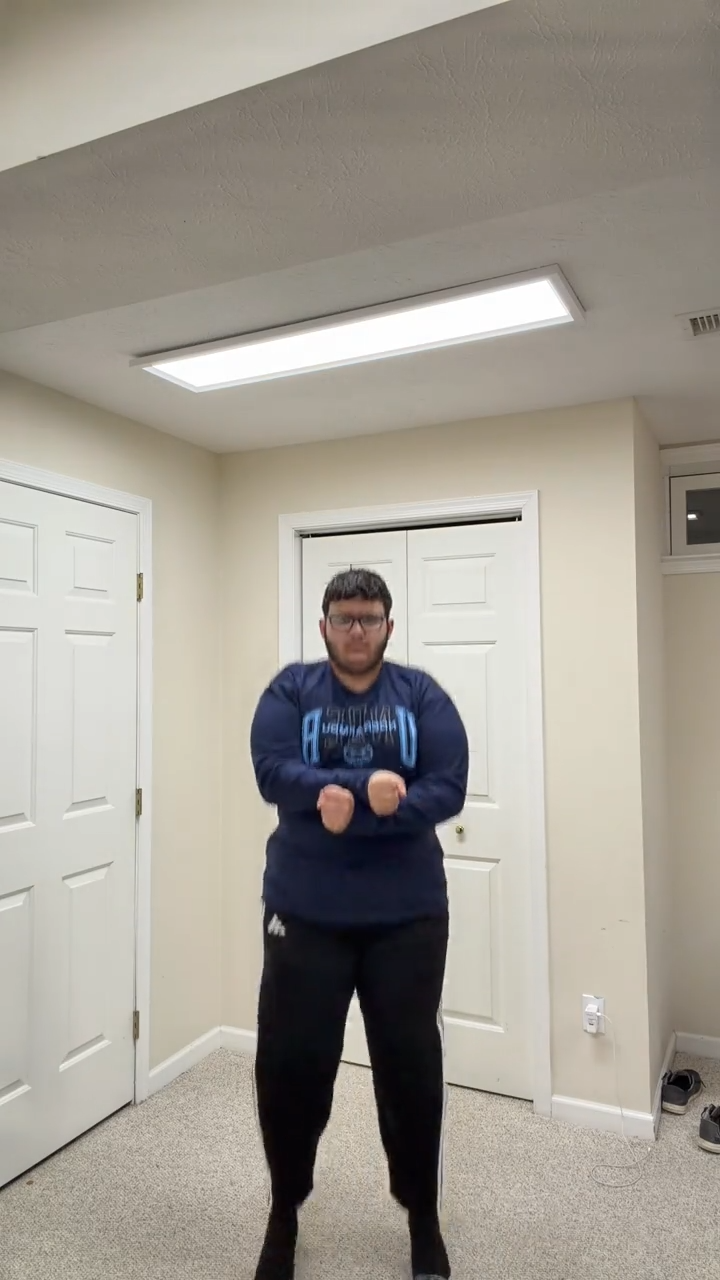
People often use “Gangnam Style AI template,” “Gangnam Style AI filter,” and “Gangnam Style AI video generator” for the same trend, but the workflows are different. The right choice depends on whether you want a live camera effect, a timeline you can edit, or a finished video generated from portraits.
A filter changes a live camera view
A camera filter usually applies an effect while you record or preview yourself. It is useful for lightweight overlays, but it does not automatically build cast-matched dance videos from separate portraits. If your goal is to place one, two, or three people into a prepared sequence, a live filter is not the clearest description.
A template gives you an editing structure
An editable template provides a timeline, placeholders, transitions, or source footage. You normally replace media, adjust timing, and export inside an editor. That can be helpful when you want manual control, but it adds more decisions than a focused generator.
A generator creates the result from photos
This Gangnam Style AI Video Generator currently turns one photo into a 15-second, 720p, 9:16 solo dance. Preview and download the MP4 in My videos. No prompt or reference-video upload is needed.
The prompt guide explains why you do not need to write motion instructions. The CapCut alternative guide compares the browser workflow with an editable-template workflow in more detail.
Which option fits your goal?
- Choose a filter when you want a live camera effect.
- Choose a template when you want to edit individual clips and timing.
- Choose a generator when you want to upload portraits and receive a finished format.
If the generator is the better match, see the step-by-step guide and compare one-time packs.
Related guides
Gangnam Style AI Prompt: Do You Need One for the Video? · Gangnam Style AI CapCut Alternative: Generate From Photos
Frequently asked questions
Is this a live Gangnam Style AI camera filter?
No. It creates a downloadable video from uploaded photos instead of adding a live effect through the camera.
Do I need to edit a Gangnam Style video template?
No. The solo sequence is prepared, so you upload one photo and generate without editing a timeline.
Keep exploring
Related Gangnam Style AI guides
Gangnam Style AI Prompt: Do You Need One for the Video?
Learn what a Gangnam Style AI prompt normally controls and why this one-photo solo generator does not require you to write one.
Read articleComparison guideGangnam Style AI CapCut Alternative: Generate From Photos
Compare an editable CapCut-style template with a browser-based Gangnam Style AI photo-to-video generator.
Read articleHow-toHow to Make a Gangnam Style AI Video From a Photo
Learn how to choose a photo, use the prepared Gangnam Style AI dance reference, and preview and download your finished video.
Read articlePut the guide into practice
Make your Gangnam Style AI video.
Create a Gangnam Style AI video from your photo. Make the viral dance online, preview your result, and download a video for TikTok, Reels, and Shorts.