
Best Gangnam Style AI Video Generator: What to Compare
Compare Gangnam Style AI generators by cast-size templates, photo mapping, output format, pricing clarity, mobile workflow, and downloads.
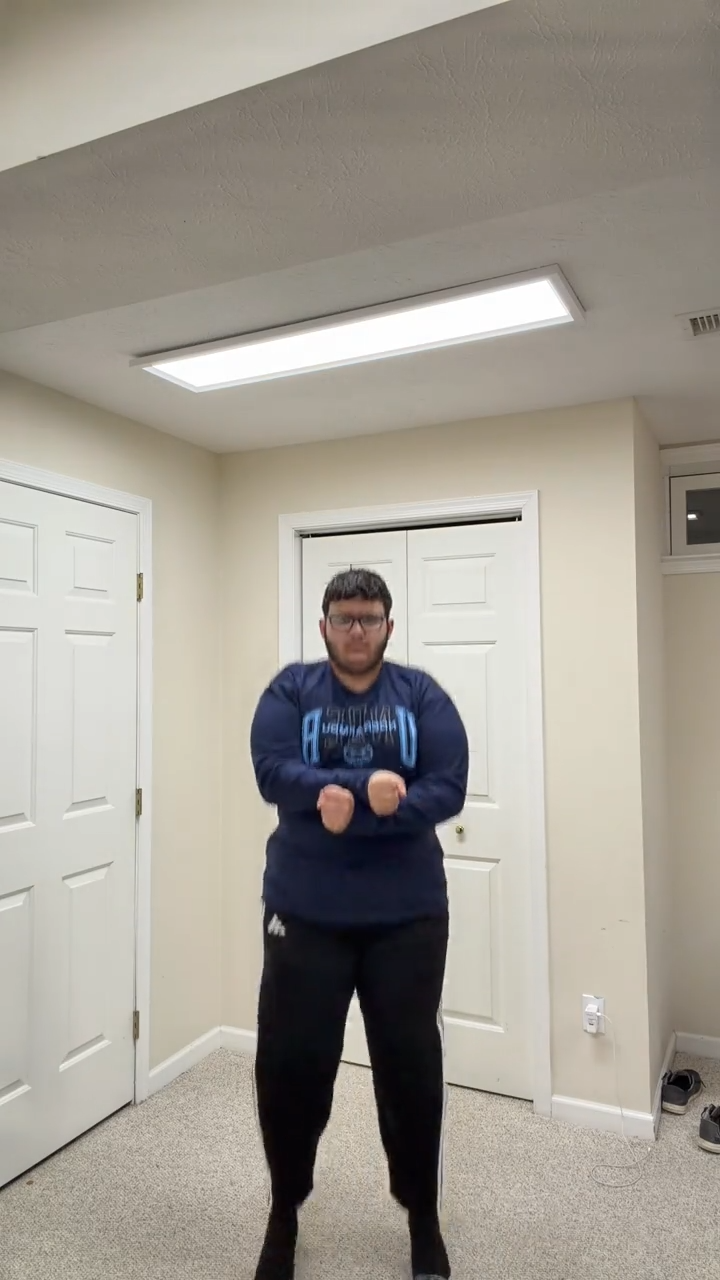
The best Gangnam Style AI video generator is the one that matches the exact clip you want to make. Some tools animate one portrait, some offer an editable dance template, and others provide separate references for solo, duo, and trio videos. Compare the workflow and final output before comparing headline prices.
1. Check the supported cast size
If you want a trio, confirm whether the generator accepts three separate portraits. If you want a solo or duo, check that the tool uses a real one-person or two-person reference rather than duplicating people into a larger scene.
2. Check one-to-one photo mapping
A clear preview should show which photo becomes which on-screen person. The strongest focused tools select a template with the same cast size and keep the mapping one-to-one. This matters more than a long list of decorative settings.
3. Compare the actual output
This Gangnam Style AI Video Generator currently turns one photo into a 15-second, 720p, 9:16 solo dance. Preview and download the MP4 in My videos. No prompt or reference-video upload is needed.
4. Compare real cost per video
Translate credits into the price of one complete video. Check whether packs are one-time or recurring, whether credits expire, and whether the price changes with resolution. This site lists simple one-time packs on the pricing page.
5. Check mobile and download flow
A browser generator should let you upload portraits, monitor progress, preview, and download on a phone. An app install should not be required unless the app offers a feature you specifically need.
The free generator guide explains trials and paid packs. The template and filter comparison helps identify whether a result is newly generated, edited, or recorded live. For cast planning, read the 1–3 photo guide.
Related guides
Is There a Free Gangnam Style AI Generator? · Gangnam Style AI Template, Filter, or Video Generator?
Frequently asked questions
What should I compare in a Gangnam Style AI app?
Check how many photos it accepts, whether each cast size has a matching reference, the stated output format, the real price per video, and how downloads are delivered.
Do I need to install a Gangnam Style AI app?
No. A browser-based generator can accept photos, show progress, and deliver the finished video without an app install.
Keep exploring
Related Gangnam Style AI guides
Is There a Free Gangnam Style AI Generator?
See what free Gangnam Style AI options usually include, what a generated video costs here, and how to compare trials, credits, and paid packs.
Read articleFormat guideGangnam Style AI Template, Filter, or Video Generator?
Compare a Gangnam Style AI video generator with camera filters and editable templates, then choose the right workflow for one photo.
Read articleTemplate guide1, 2, or 3 Photos: Gangnam Style AI Formats Explained
Understand one-person, two-person, and three-person Gangnam Style AI formats, photo choices, and current generation availability.
Read articlePut the guide into practice
Make your Gangnam Style AI video.
Create a Gangnam Style AI video from your photo. Make the viral dance online, preview your result, and download a video for TikTok, Reels, and Shorts.